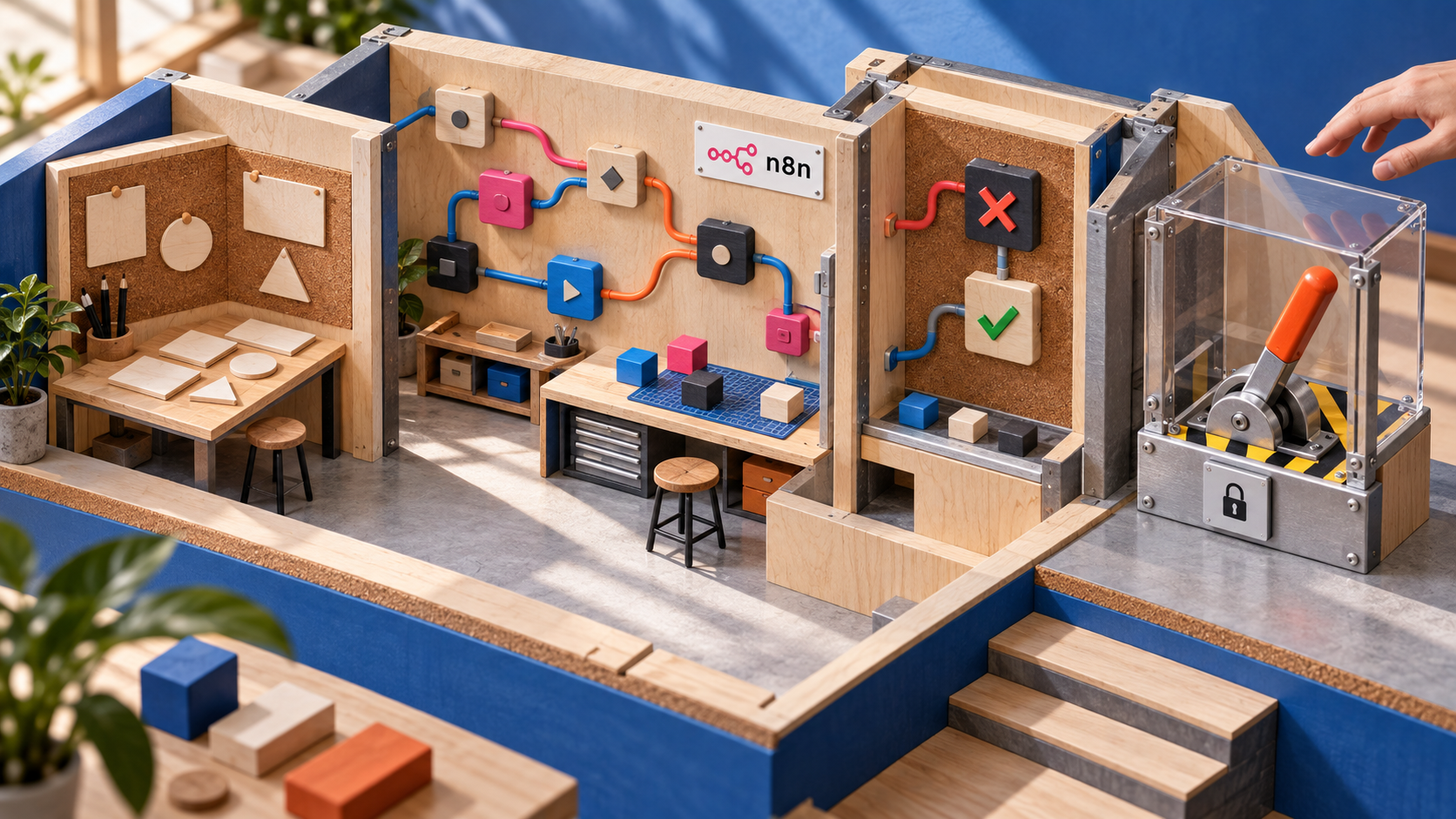
n8n Assistant builds and tests workflows, but publishing still needs confirmation
Turning a sentence into an automation is no longer much of a trick. The harder question is what happens after the demo: Can another person inspect the result, test it with real inputs, and stop it before it does something expensive?
That is where n8n's new Assistant gets interesting. n8n introduced it on September 9, 2026 as a preview that works directly on the workflow canvas. In the launch example, the Assistant makes a plan, adds nodes, asks the user to select credentials, runs the workflow, reads the execution data, diagnoses a failure, applies a fix, and runs it again.
The feature succeeds n8n's earlier AI Workflow Builder. That builder could already generate and refine workflows from prompts. The Assistant extends the job into a build, run, inspect, and repair loop. More importantly, it leaves a standard n8n workflow behind.
Automation failures do not stay inside a chat window. They send the wrong message, overwrite a record, or publish before anyone notices. An automation agent therefore needs two things that a fluent answer cannot provide: an observable artifact and a clear point where authority returns to a person.
The workflow is the handoff
The n8n Assistant documentation says its output is a normal n8n workflow. Nodes, connections, settings, and execution history remain in the usual editor. A teammate does not need the original conversation to see what the system will do.
That is a better handoff than code-shaped text in a chat. The canvas shows which services are called, what enters each step, where the path branches, and what follows an error. Someone who did not write the prompt can review the workflow. The team can run it again after the conversation ends and change it without asking a model to reconstruct its reasoning.
It also gives reviewers a firmer test. The question is not whether the Assistant explains itself convincingly. The question is whether the workflow behaves correctly with representative inputs. The same idea underpins the production replay gates we covered for model changes: test the behavior that matters, not the story around it.
A confirmation dialog is not a safety certificate
n8n says the Assistant stays within the current user's permissions. Credential secrets are not sent to the AI. Users select or create credentials through n8n's standard credential interface, rather than pasting secrets into chat. The documentation also says the Assistant requests confirmation before high-impact actions such as publishing or deleting, and asks permission before accessing an external web domain.
These boundaries make the moment of activation visible. That matters when a workflow can write to a database, contact customers, or trigger another system. An open-ended conversation should not quietly turn into a deployed automation.
Confirmation still does not prove that the workflow is safe. A person can approve an incorrect configuration, an overpowered credential, or a flow that handles the happy path and fails badly on retries. n8n warns that the first result may not be production-ready. Its documentation tells users to review logic, configuration, credentials, tests, error handling, and unintended actions.
Treat the approval as a deployment checkpoint, not a quality verdict. Our examination of prompt-injected payment agents reached a related conclusion: authorization and telemetry matter because a model's confidence says little about whether an action is appropriate.
Write a contract the workflow can fail
The official guide recommends naming the trigger, services, data operations, success behavior, failure behavior, and publishing preference in the first prompt. This is more useful than polishing the tone of the request. It turns a loose idea into an operational contract.
For example:
When a support form is submitted, create a ticket and notify the on-call channel.
Read the customer email, product area, and message from the form.
Do not update an existing customer record.
If ticket creation fails, stop and send an error to the internal alerts channel.
Use test data first and ask before publishing the workflow.
Start with the normal case and inspect every node's inputs and outputs. Next, try missing, malformed, and duplicated data. Check whether a retry can create duplicate tickets, messages, or records. Review every credential's permissions and narrow them where possible. Exercise the error path before activation, then keep publishing as its own deliberate action.
If the workflow calls a model, requirements or drafting can happen in ish.chat, while an application-facing model call can use api.ish.chat. The surrounding automation should remain visible and testable. Otherwise, a convenient model call becomes an opaque action chain that is difficult to audit.
The preview has practical limits
The Assistant is marked Preview. The documentation lists it for Cloud Starter and Pro, as well as Community, Registered Community, and Business self-hosted editions. It is not ready for Cloud Enterprise or self-hosted Enterprise. The launch post says self-hosted use requires Docker, does not support npm installations, and needs user-supplied model keys.
Its agency is also narrower than the name might imply. n8n says the Assistant is not proactive, works inside one n8n instance, and cannot control a browser or computer. Browser-assisted credential setup is not included in this release. These limits should rule out designs that depend on capabilities the preview does not have.
Usage is metered through AI credits based on tokens. Larger workflows, longer conversations, and repeated debugging consume more. A precise contract is therefore useful for cost as well as correctness. Teams can test small pieces instead of paying for the Assistant to rediscover requirements across a long exchange.
n8n publishes frequent changes through its public GitHub releases, so Preview behavior and availability should be checked again before a production rollout.
Activation is deployment
n8n Assistant points toward a practical model for automation agents. It produces a durable workflow with visible steps and execution evidence. Confirmation gates keep a human decision at the point where a draft becomes active.
The team still owns the deployment decision. Define failure behavior before generation, test hostile inputs, inspect credentials, and review the workflow as if a developer had submitted it for production. The Assistant can shorten the path from intent to a running system. Reaching the end of the chat does not make that system correct.